
Small teams often face a different challenge than large enterprises: too much complexity slows them down. A lightweight project management tool that keeps tasks visible and collaboration organized can have a bigger impact than feature-heavy software.
We analyzed community discussions, professional reviews, and product documentation to identify the free project management tools that small teams actually use in practice. Below is the aggregated consensus from Reddit discussions, expert comparisons, and product specs.
Quick Comparison
| Tool | Best For | Free Plan Limits | Standout Feature |
|---|---|---|---|
| Trello | Visual workflows | 10 boards/workspace | Kanban boards |
| Asana | Team collaboration | 10 users | Structured task lists |
| ClickUp | Custom workflows | Unlimited users | 13 task views |
| Wrike | Spreadsheet-style tracking | 200 active tasks | Advanced tracking |
| Airtable | Custom systems | 5 users | Database-style PM |
| Jira | Development teams | 10 users | Agile workflows |
| Zapier | Automation | 100 tasks/month | Cross-app automation |
Trello
Best for Visual Project Management
The Vibe
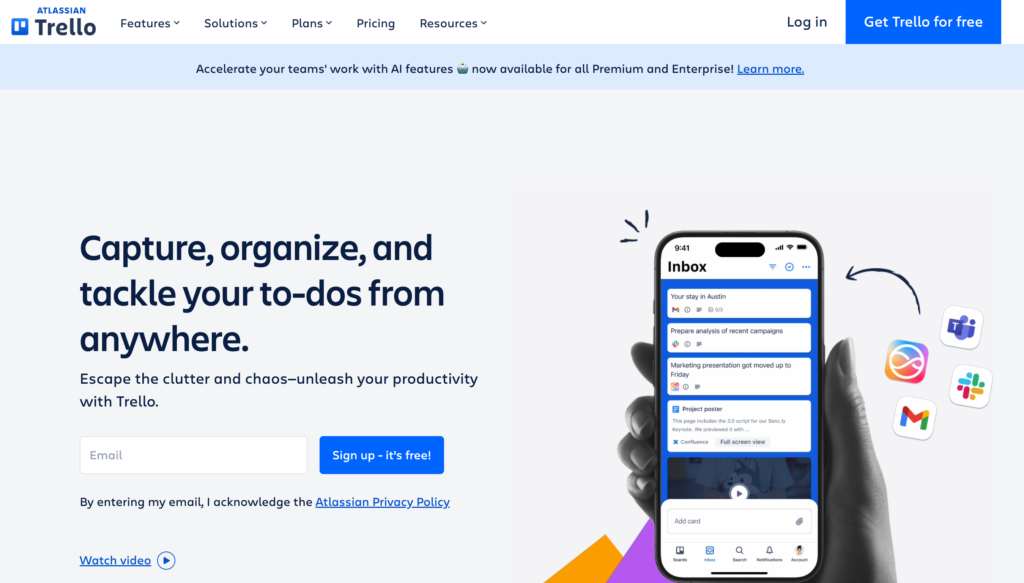
Trello has built a reputation as the simplest visual project manager on the market. Many small teams adopt it first because the Kanban board layout makes workflows easy to understand immediately.
Reddit Reality Check
What users like
- Extremely easy to learn
- Clear visual task workflow
- Flexible templates for many use cases
Common complaints
- Too simple for complex projects
- Limited reporting and analytics
Workflow Overview
A typical Trello workflow looks like this:
- Create a project board
- Add columns representing workflow stages
- Create task cards inside each column
- Assign team members, due dates, and attachments
- Drag cards through the workflow as tasks progress
For small teams running marketing campaigns, content pipelines, or product launches, this approach keeps work visually organized without heavy setup.
Free Plan Reality
The free plan includes:
- Unlimited cards and users
- 10 boards per workspace
- 250 automation commands per month
For many small teams, this is enough to manage multiple projects without upgrading.
Asana
Best Free Tool for Team Coordination
The Vibe
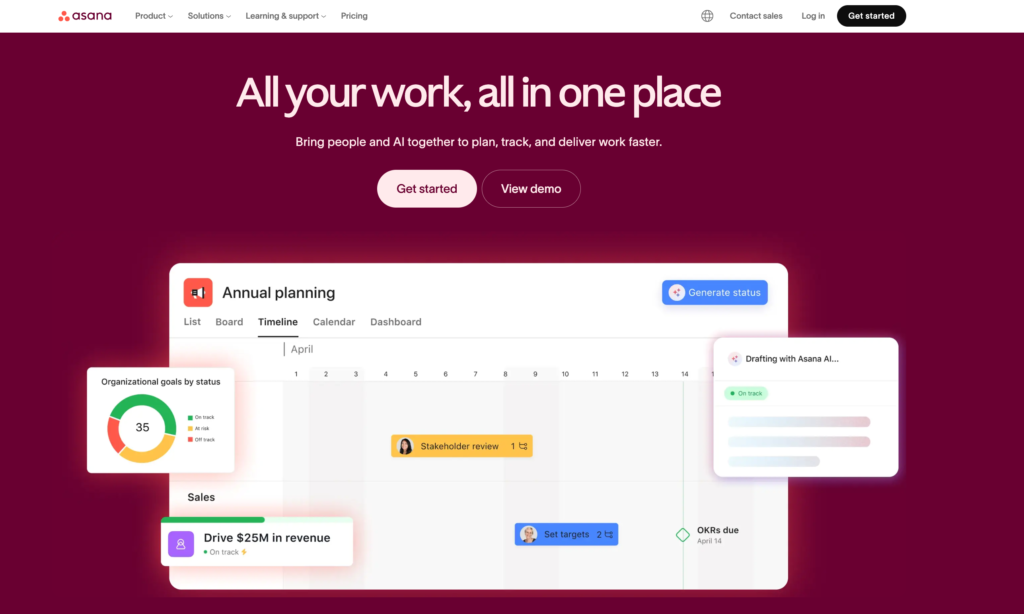
Asana sits between a simple to-do list and a full project management platform. The community consensus is that it offers the right balance of structure and usability for small teams.
Reddit Reality Check
From community discussions:
What users love
- Clean interface with minimal learning curve
- Flexible views (list, board, calendar)
- Strong task organization
Common frustrations
- Paid plans become expensive
- Advanced reporting requires upgrades
One Reddit user summarized the comparison with Trello clearly:
“Trello was a little too simple for my needs… Asana is more accessible for small teams.”
Workflow Overview
Teams typically use Asana like this:
- Create a project workspace
- Break work into tasks and subtasks
- Assign tasks to team members
- Track progress in dashboards
The My Tasks view is especially popular because it shows each team member their personal workload.
Free Plan Reality
The free plan includes:
- Unlimited tasks and projects
- Up to 10 users
- List, board, and calendar views
For small teams under ten people, the free tier can function as a complete project management system.
ClickUp
Best Free Tool for Custom Workflows
The Vibe
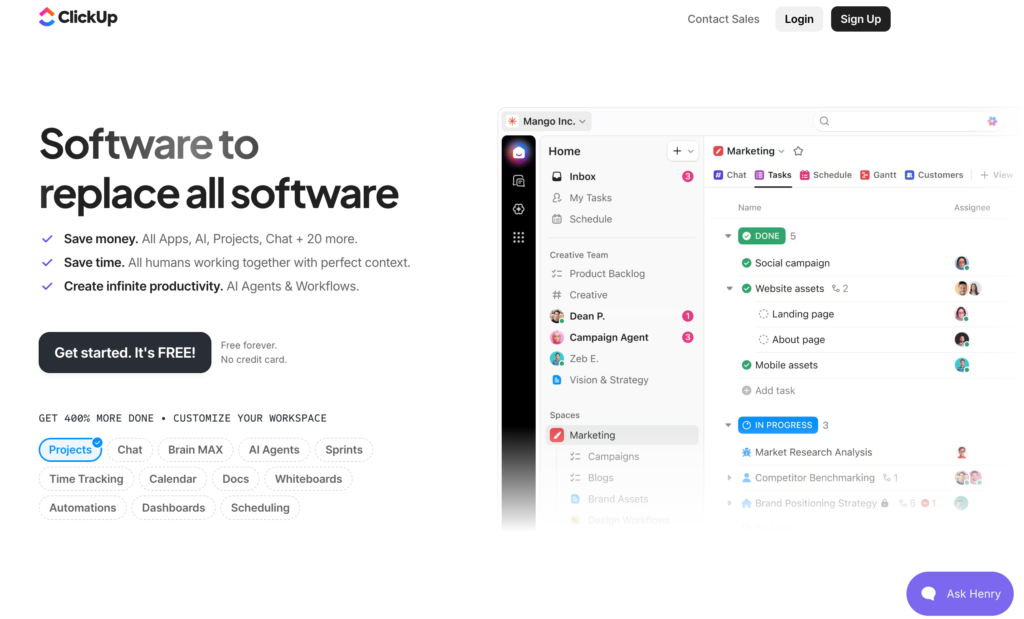
ClickUp is known for offering more customization than almost any other project management tool. Many teams migrate to it after outgrowing simpler platforms.
Reddit Reality Check
Common themes across community discussions:
What users like
- Highly customizable dashboards
- Built-in docs, chat, and time tracking
- Multiple project views
Common complaints
- Overwhelming interface at first
- Setup requires time
Workflow Overview
ClickUp organizes projects through a hierarchy:
Workspace → Spaces → Folders → Lists → Tasks
Teams can then choose from 13 different views, including:
- Kanban boards
- Lists
- Gantt charts
- Calendars
This flexibility allows teams to run multiple project methodologies inside one platform.
Free Plan Reality
The free tier offers:
- Unlimited tasks
- Unlimited users
- 100MB storage
For startups or distributed teams, this is one of the most generous free plans available.
Wrike
Best for Structured Project Tracking
The Vibe
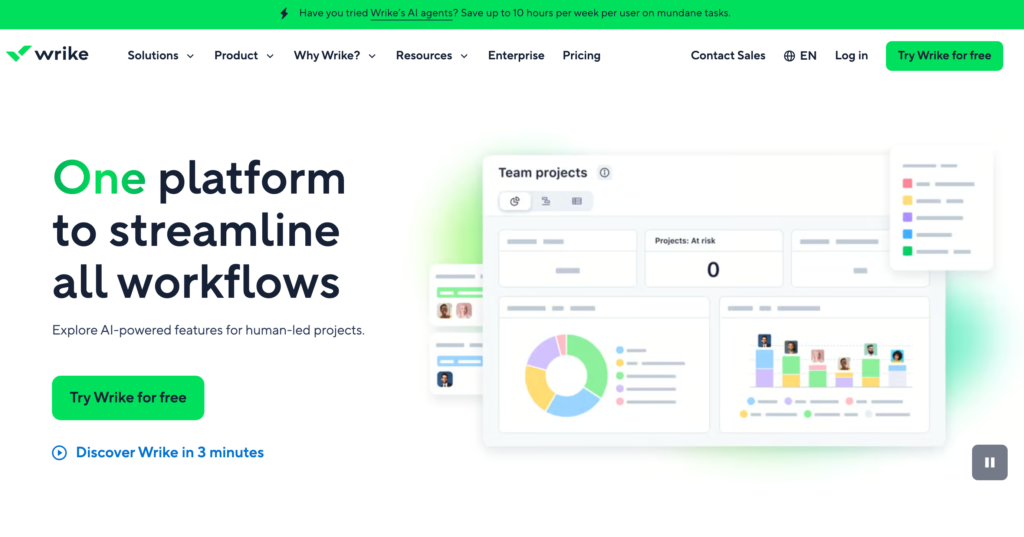
Wrike appeals to teams that prefer a more structured, spreadsheet-like interface rather than a purely visual board.
Reddit Reality Check
Typical sentiment:
What users like
- Strong reporting and task tracking
- Organized folder hierarchy
Common complaints
- Free plan is more limited
- Customization requires upgrades
Workflow Overview
Wrike allows teams to track projects through:
- Task status updates
- Project dashboards
- Reporting views
This makes it particularly useful for teams that need regular status reporting or structured project updates.
Free Plan Reality
Free tier includes:
- Unlimited projects
- 200 active tasks
- Basic collaboration tools
Teams that exceed the task limit usually upgrade to unlock Gantt charts and automation.
Airtable
Best for Building a Custom Project System
The Vibe
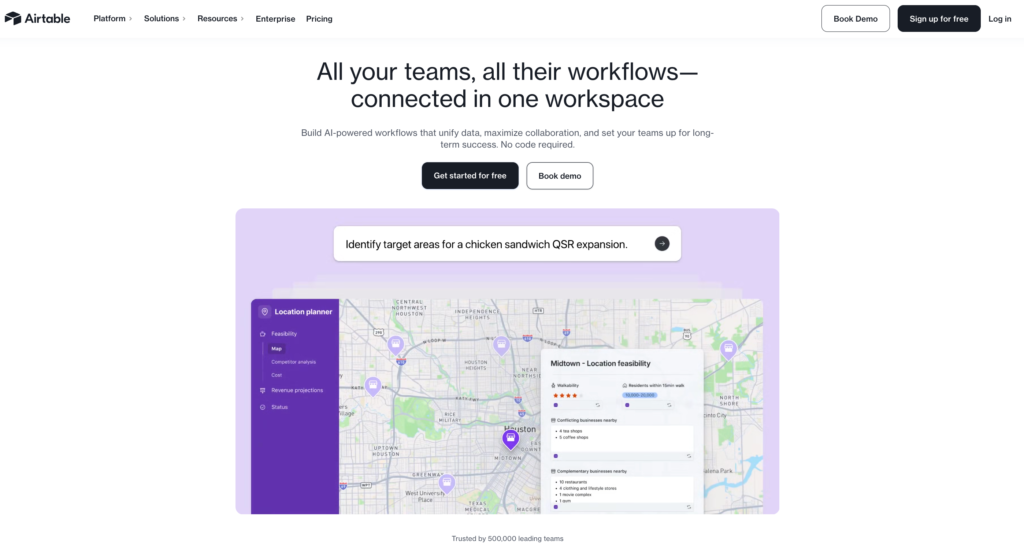
Airtable blends spreadsheet databases with project management workflows. It is often used by teams that want to design their own system rather than follow a pre-built structure.
Reddit Reality Check
Community feedback highlights:
What users love
- Highly customizable
- Large template library
- Database-level flexibility
Common complaints
- Setup can be time consuming
- Less intuitive than traditional PM tools
Workflow Overview
Airtable projects start with a base, which functions like a structured database.
Teams can then view project data through:
- Grid view
- Kanban boards
- Calendars
- Galleries
This flexibility makes Airtable popular for content calendars, marketing operations, and product planning.
Free Plan Reality
Free tier includes:
- 5 users
- 1,000 records per base
- 8 project views
For small teams running structured workflows, this is often enough.
Jira
Best for Agile Development Teams
The Vibe
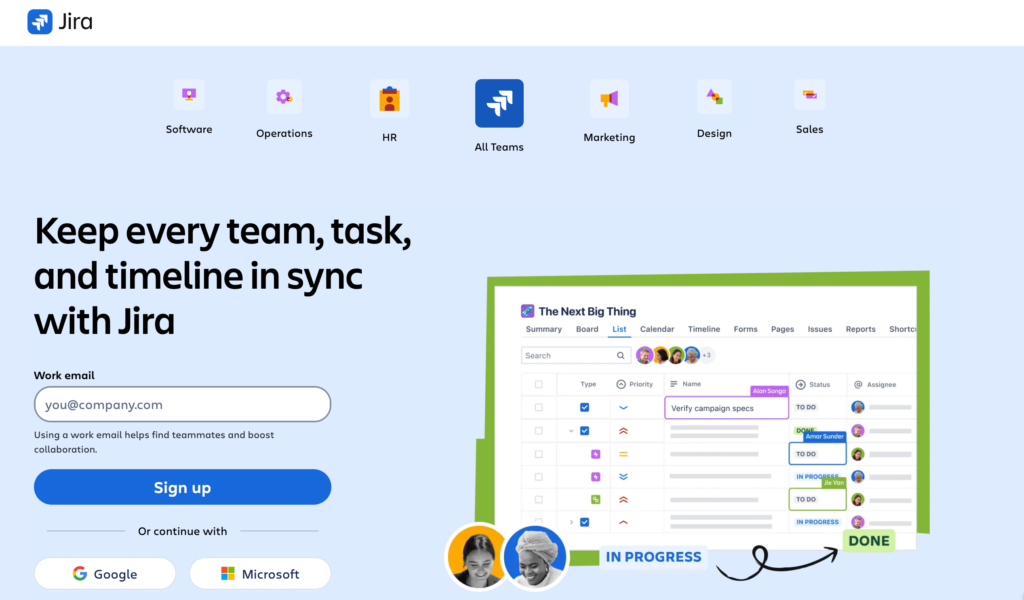
Jira is widely used by engineering teams but is often considered too heavy for general business teams.
Reddit Reality Check
Common community sentiment:
What users like
- Strong issue tracking
- Excellent developer integrations
Common complaints
- Setup is complex
- Overkill for non-technical teams
One user summarized it clearly:
“Jira is still very heavy and requires a lot of setup and management.”
Workflow Overview
Jira supports Agile methodologies including:
- Scrum boards
- Backlog management
- Sprint planning
This makes it ideal for software teams managing releases and bug tracking.
Free Plan Reality
Free tier includes:
- Up to 10 users
- Unlimited projects
- Scrum and Kanban boards
Zapier
Best for Project Automation
The Vibe
Zapier is not a traditional project management tool. Instead, it automates workflows between other tools.
Example Automations
Small teams commonly use Zapier to:
- Create tasks automatically from form submissions
- Send Slack notifications when tasks change status
- Sync deadlines across multiple apps
Free Plan Reality
Free plan includes:
- 100 tasks per month
- Basic automation workflows
- Access to thousands of integrations
Zapier is most powerful when paired with tools like Trello, Asana, or ClickUp.
How to Choose the Right Tool
Small teams should focus on three factors when selecting a project management platform:
1. Simplicity
Tools like Trello and Asana work best for teams that want quick adoption.
2. Customization
Platforms like ClickUp or Airtable allow deeper workflow customization.
3. Scalability
Choosing software with upgrade paths helps avoid migration later.
Which is the Right PMT for your Small Team?
Based on aggregated reviews and community discussions:
Best starting tools
- Trello
- Asana
Best customization
- ClickUp
- Airtable
Best specialized options
- Jira (development teams)
- Zapier (automation workflows)
For most small teams, the ideal strategy is to start simple and upgrade only when complexity demands it.
1. What is the best free project management tool for small teams?
The best free project management tool depends on how your team prefers to work. Teams that like visual task boards often choose Trello, while teams that need structured task lists and collaboration features typically prefer Asana. If your team wants deeper customization, ClickUp is often the most flexible option on a free plan.
2. Are free project management tools enough for a small team?
Yes, many small teams can run their entire workflow using free project management tools. Most platforms offer features like task assignments, collaboration, comments, and project views on their free plans. However, growing teams may eventually upgrade to access advanced reporting, automation, or larger storage limits.
3. What features should small teams look for in a project management tool?
Small teams should focus on features that improve visibility and collaboration without adding complexity. The most useful features include:
Task assignments and deadlines
Multiple project views (Kanban, list, or calendar)
File sharing and comments
Integrations with tools like Slack or Google Drive
Basic automation for repetitive tasks
Choosing a tool that balances simplicity, flexibility, and scalability will help your team stay organized as projects grow.